TOON SHOT
A goofy cartoon shooter made by Noah and his dad. Everybody against everybody, first to 10 pops wins! 💥
Een gekke cartoon-shooter, gemaakt door Noah en zijn vader. Iedereen tegen iedereen, wie als eerste 10 keer iemand laat ploffen wint! 💥
ToonShot.exe (105 MB) · ToonShot.dmg (65 MB) · versionversie v-1ead63fd
On Windows there's nothing to install: the whole game is in that one file.
Op Windows hoef je niks te installeren: het hele spel zit in dat ene bestand.
How to start the game
🪟 Windows
- Click the green Windows button to download ToonShot.exe. If your browser says the file "isn't commonly downloaded", click the three dots (…) next to the download, then Keep and Keep anyway.
- Double-click ToonShot.exe. The first time, Windows shows a blue screen: "Windows protected your PC". Don't worry! Windows says this about every program it doesn't know yet, and our game is homemade. Click More info, then Run anyway. You only have to do this once.
- If a Windows Defender Firewall window pops up, click Allow access.
🍎 Mac
- Click the green Mac button to download ToonShot.dmg, open it, and drag Toon Shot into your Applications folder.
- Open Toon Shot. The first time, your Mac says it can't check the app ("Toon Shot" Not Opened). That's because our game is homemade and not registered with Apple. Click Done (not "Move to Trash").
- Open System Settings → Privacy & Security, scroll down to where it says Toon Shot was blocked, and click Open Anyway. Type your password, then click Open Anyway once more. You only have to do this once.
🎮 Playing
- Type your name, pick a character and click Join the game! Then click in the game to start playing. 🔫
👨👩👧 Not sure, or not allowed to put things on the computer? Ask your parents first and show them this page.
Zo start je het spel
🪟 Windows
- Klik op de groene knop Windows om ToonShot.exe te downloaden. Zegt je browser dat het bestand "niet vaak wordt gedownload"? Klik dan op de drie puntjes (…) naast de download, kies Behouden en daarna Toch behouden.
- Dubbelklik op ToonShot.exe. De eerste keer krijg je een blauw scherm: "Windows heeft uw pc beschermd". Schrik niet! Windows zegt dit bij elk programma dat het nog niet kent, en ons spel is zelfgemaakt. Klik op Meer informatie en dan op Toch uitvoeren. Dit hoeft maar één keer.
- Komt er een venster van de Windows Defender Firewall? Klik dan op Toegang toestaan.
🍎 Mac
- Klik op de groene knop Mac om ToonShot.dmg te downloaden, open het, en sleep Toon Shot naar je map Apps (Programma's).
- Open Toon Shot. De eerste keer zegt je Mac dat hij de app niet kan controleren ("Toon Shot" niet geopend). Dat komt omdat ons spel zelfgemaakt is en niet bij Apple is aangemeld. Klik op Gereed (niet op "Verplaats naar prullenmand").
- Open Systeeminstellingen → Privacy en beveiliging, scroll naar beneden naar de melding dat Toon Shot is geblokkeerd, en klik op Toch openen. Typ je wachtwoord en klik nog een keer op Toch openen. Dit hoeft maar één keer.
🎮 Spelen
- Typ je naam, kies een personage en klik op Join the game! Klik daarna in het spel om te beginnen. 🔫
👨👩👧 Twijfel je, of mag je niet zomaar dingen op de computer zetten? Vraag het eerst aan je vader of moeder en laat ze deze pagina zien.
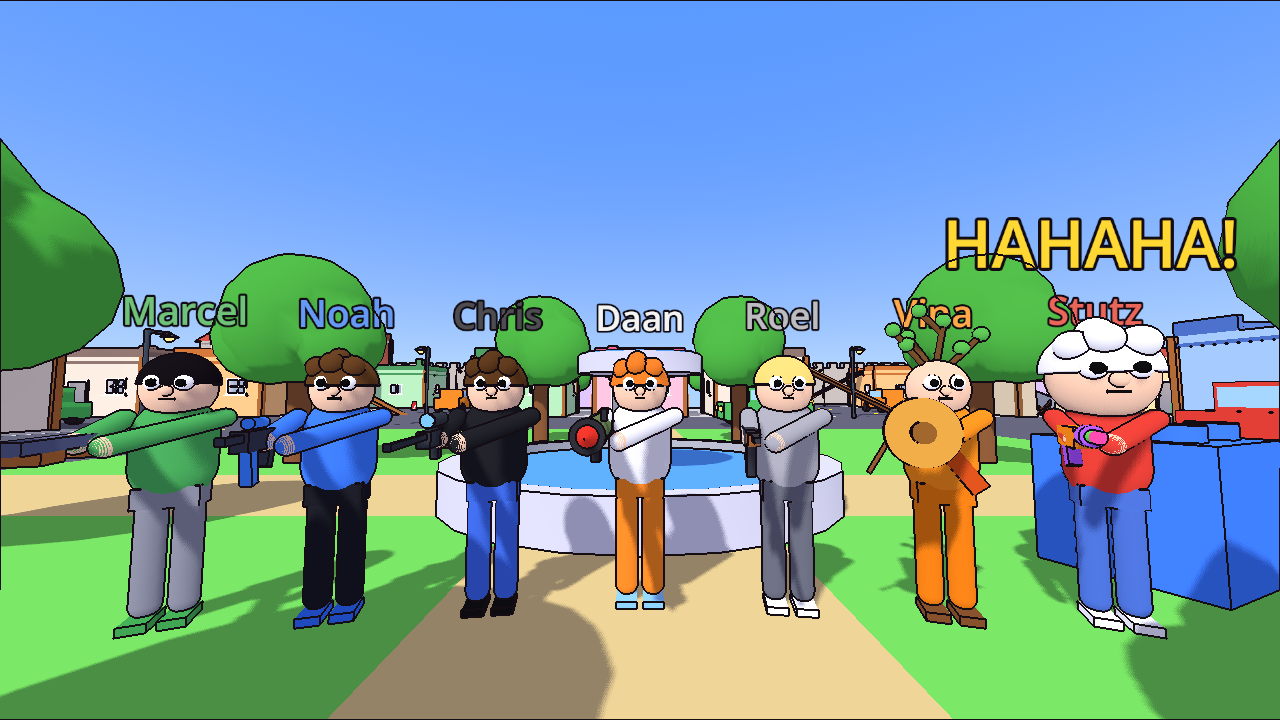
The characters
De personages
Every character can only be played by one person at a time. After you pop, press 1–7 to come back as someone else.
Elk personage kan maar door één speler tegelijk gespeeld worden. Ben je geploft? Druk 1–7 om terug te komen als iemand anders.
Controls
Besturing
| W A S D | WalkLopen |
| MouseMuis | Look aroundRondkijken |
| Left clickLinkermuisknop | Shoot (hold to keep shooting)Schieten (ingedrukt houden = blijven schieten) |
| Right clickRechtermuisknop | Aim through the scope (Chris)Door het vizier kijken (Chris) |
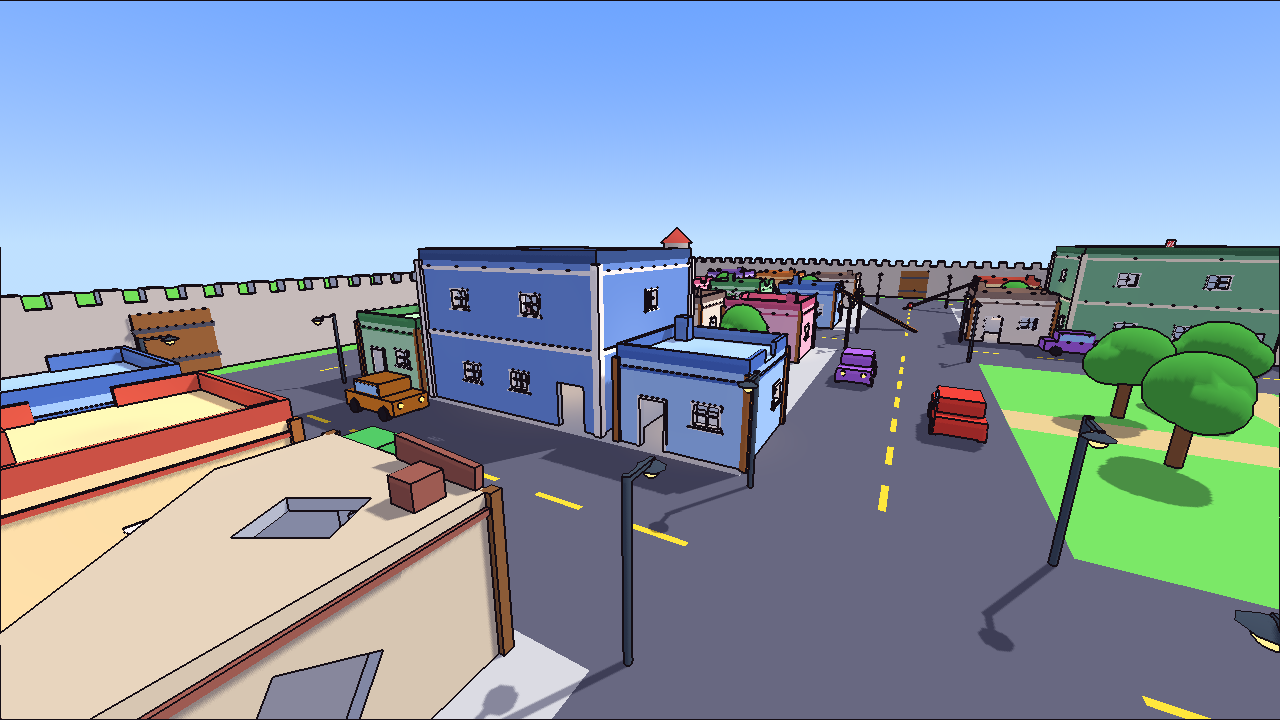
| Space | Jump (you can jump from roof to roof!)Springen (je kunt van dak naar dak springen!) |
| 1 | Your special abilityJe speciale kracht |
| 2 3 4 | Use your cardsJe kaarten gebruiken |
| Esc → L | Free the mouse, then leave the gameMuis loslaten, daarna het spel verlaten |
The cards 🃏
De kaarten 🃏
Playing cards float around the city. Walk through one to pick it up (you can hold 3):
Overal in de stad zweven speelkaarten. Loop erdoorheen om er een te pakken (je kunt er 3 vasthouden):
- 4 of Hearts 💨 Fart Boost: PFFFT! Run super fast for 4 seconds
- 8 of Clubs 🧻 Toilet Paper: throw it at someone and they can't see for 3 seconds
- 7 of Diamonds 🔋 Battery: throw it at someone and they freeze for 3 seconds
- Ace of Spades 💣 Self-Destruct: KABOOM! Everyone close to you pops (you too)
- 4 van harten 💨 Scheetboost: PFFFT! 4 seconden supersnel rennen
- 8 van klaveren 🧻 Wc-papier: gooi het naar iemand en die ziet 3 seconden niks
- 7 van ruiten 🔋 Batterij: gooi hem naar iemand en die staat 3 seconden stil
- Schoppen aas 💣 Zelfvernietiging: KABOEM! Iedereen vlak bij jou ploft (jij ook)
Help!
Hulp!
- "Your game is a different version than the server": there's a new version. Download the game again from this page.
- "Couldn't connect": the server might be off. Ask Noah or his dad.
- The game doesn't start or the screen stays black: ask your parents to update the graphics card drivers.
- "Your game is a different version than the server": er is een nieuwe versie. Download het spel opnieuw via deze pagina.
- "Couldn't connect": de server staat misschien uit. Vraag het aan Noah of zijn vader.
- Het spel start niet of het beeld blijft zwart: vraag je vader of moeder om de stuurprogramma's (drivers) van de videokaart bij te werken.